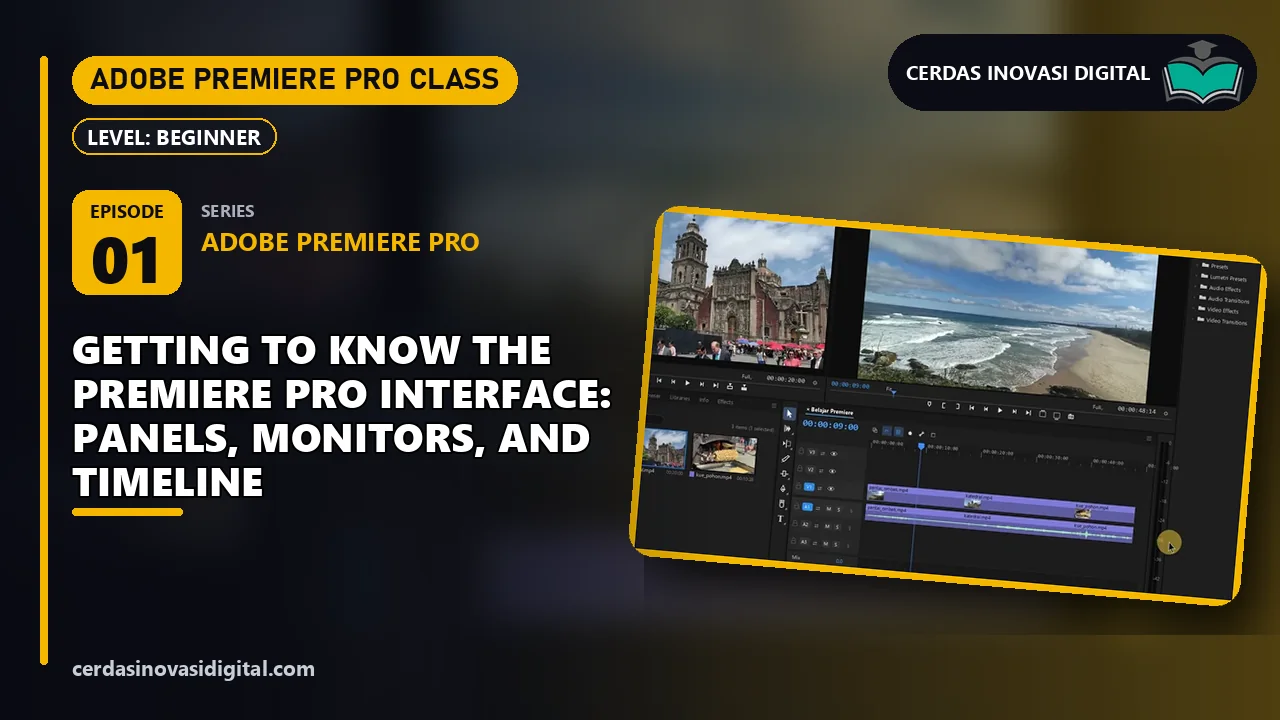
Picked from the software, topic, and level of “After Effects Class #1: Getting to Know the After Effects Interface: Project, Composition, and Timeline”.
Get notified about new Adobe After Effects classes
At most one email a week. Unfollow anytime with one click.
Transcript
The full narration of this video. The current sentence is highlighted while the video plays; click any sentence to jump there.
Show transcript
Introduction
This is what we'll master in the first episode, the entire After Effects interface, from the project panel, composition panel, all the way to the timeline, using original footage of a mountain lake and waterfall. Let's get started. Hello, welcome to the complete Adobe After Effects series from Cerdas Inovasi Digital. In this series, we'll learn After Effects from scratch to mastery, starting from basic animation, motion graphics, all the way to visual effects, and all exercises use original video footage. In this first episode, we'll first get to know the interface.
Step 1: Home Screen and New Project
When After Effects is opened, the home screen appears. On the left, there's the new project and open project buttons, in the center, there's a list of recent projects. Click new project. Now we see the default workspace, the project panel on the left, the composition panel in the center, small panels on the right, and a long timeline panel at the bottom.
Step 2: Importing footage into the Project panel
The project panel is the storage for assets. Press Ctrl-I or select File > Import > File. Select two footage files from the dataset folder, mountain lake and waterfall, then click import. Both files are added to the project panel. Click one of them, and at the top of the panel, you'll see a thumbnail, size 1920x1080, duration, and frame rate 30.
Step 3: Creating a composition from footage
All work in After Effects takes place within a composition. The fastest way to create one is to drag the footage to the new composition icon at the bottom of the project panel. After Effects creates a composition with the exact same size, frame rate, and duration as the footage. A new composition appears in the project panel, opens in the composition panel, and the footage becomes the first layer in the timeline.
Step 4: Composition Panel
The composition panel is the preview screen. At the bottom, there's a zoom level, current time indicator, full resolution preview, and transparency button. When a layer is selected, a bounding box with an anchor point in the center appears. Above it, there's a toolbar containing the selection tool, hand tool, zoom tool, camera tool, shape tool, pen tool, type tool, and rotobrass tool.
Step 5: Timeline Panel and Time Indicator
The timeline panel contains layers. On the left, there's a column for displaying layers, number, source name, switch, mode, and print. On the right, there's a time ruler and a duration bar for the layer. The blue line is the current time indicator. The indicator line shows, and the composition panel directly displays the frame at that time. Click the triangle in front of the layer name to view the transform properties.
Step 6: Right Panel and Preview
On the right side, there is an info panel that displays the color and coordinates under the cursor, preview panel to play the composition, and the effects and presets panel contains hundreds of effects. To play the preview, press space. After Effects renders each frame and then plays it back. Press space again to stop.
Done!
Done. We've already familiarized ourselves with the home screen, the project panel, and how to import footage Create a composition from footage, the composition panel, timeline with time indicators, info panel, preview, and effects and presets. In the next episode, we'll learn how to import and organize footage more neatly. Need a promotional video, logo animation, motion graphics for social media, Or visual effects for short films? Cerdas Inovasi Digital provides motion graphics and visual effects services, as well as opening After Effects courses from beginner to advanced level. Want to master the entire series, 104 episodes from the interface to the final project? All episodes, complete with step-by-step PDF guides, source footage, and project scripts, are available for premium tutorial customers. Subscribe starting at Rp69.000 per month, Save 28% with the 12-month package, or pay once Rp999.000 for lifetime access. Thank you for watching, see you in the next episode.
Ask the class material
Type a question or keyword; we find the part of this episode that explains it and jump the video there.
My notes
Notes are saved with the current video time and are only visible to you.
Questions & answers
Stuck on a step? Ask here; the instructor and other learners can answer.
No questions yet.
Your instructor
Cerdas Inovasi Digital Team
Software developers, BIM & 3D engineers, and AI practitioners
52 video classes1,277 episodes
We build software, BIM models, games and AI automations for clients every day, and turn that hands-on work into step-by-step classes: every step is shown on screen and comes with a PDF guide you can keep.