Products
Courses
AI & Machine Learning
3D & Modeling
Architecture & CAD
Data & Analytics
Engineering & Product Design
Game Development
Graphic Design
Microsoft 365 & Azure
Mobile App Development
Programming & Software
Simulation & Engineering
Video Editing
Memuat
Cerdas Inovasi Digital
117 classes · 1,276 episodes · Practical classes with a screenshot for every step. The first class of every series is free; the full series is for Premium subscribers.
Blender 5.2 · Beginner
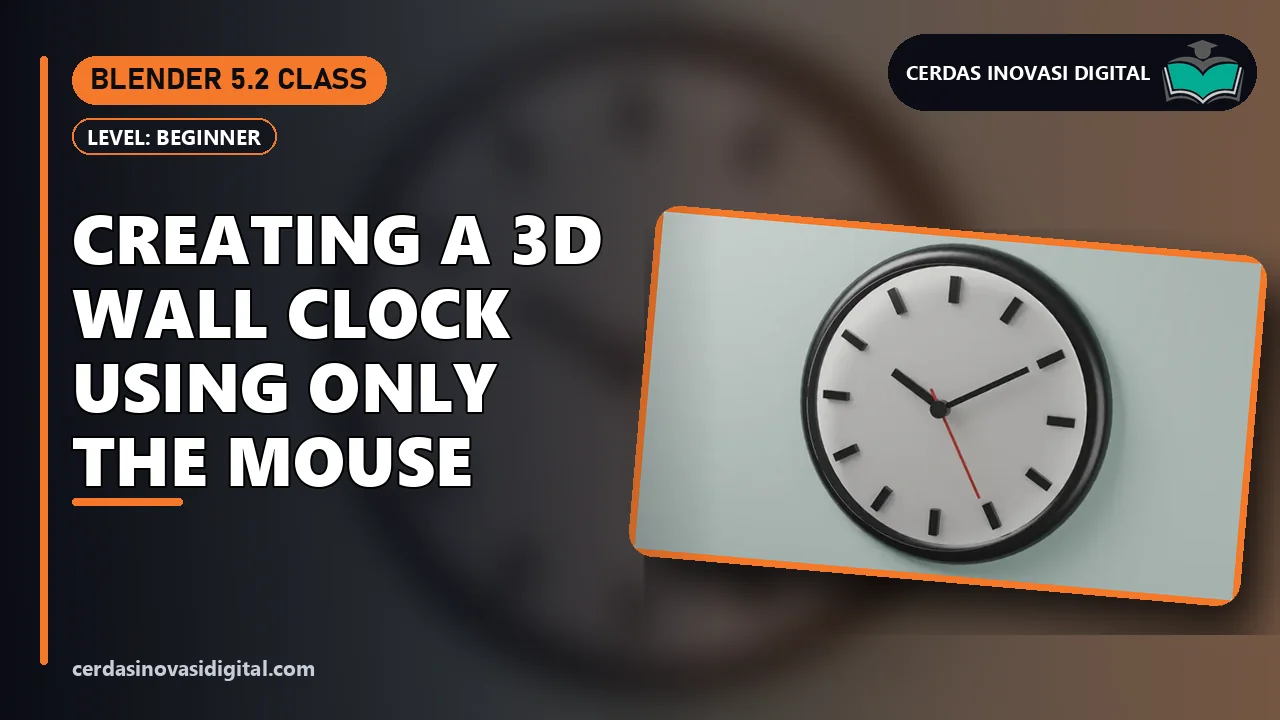
Blender 5.2: Making a 3D Wall Clock Using Only the Mouse
Model a 3D wall clock in Blender 5.2 without keyboard shortcuts: a clock face from a Cylinder, a Torus frame, 12 markers with an Array modifier in Circle mode, hour/minute/second hands with Apply All Transforms, white, black, and red materials, Shade Smooth, then saving the file, in 17 steps.
Unreal Engine 5.8 · Beginner
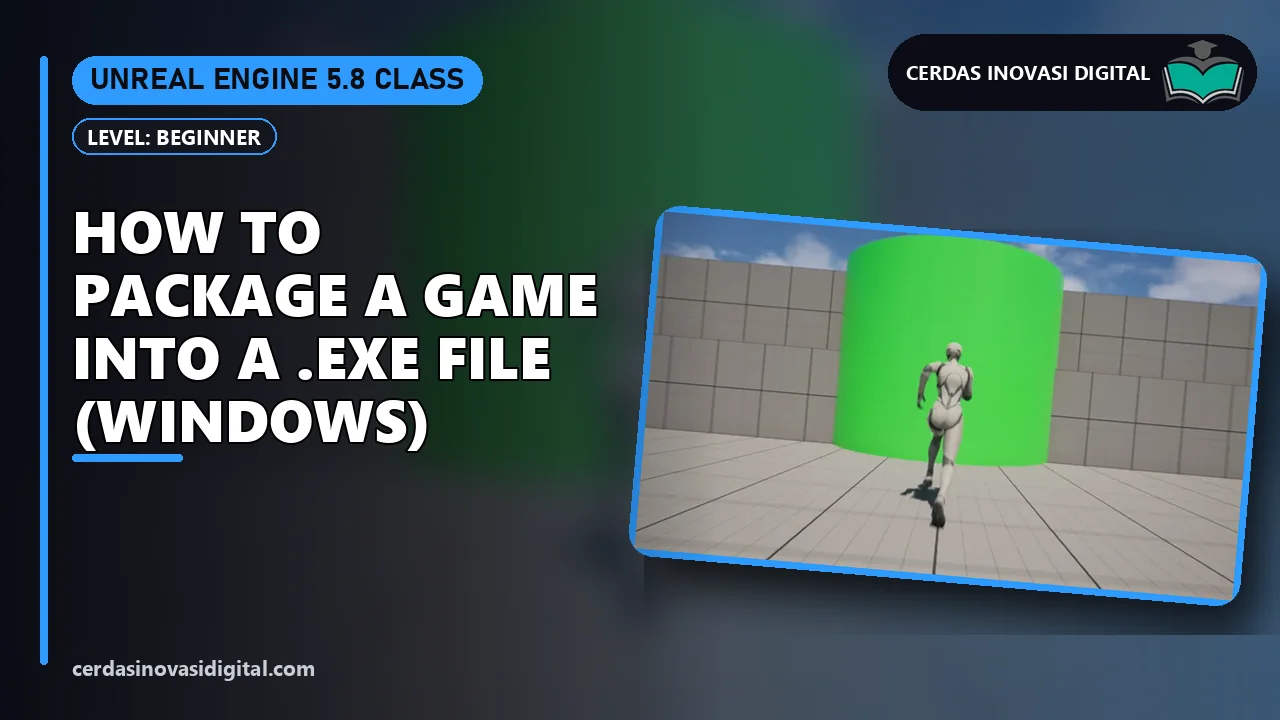
Unreal Engine 5: How to Package a Game into an .EXE File (Windows)
Packaging in Unreal Engine 5: the Platforms > Package Project menu, the Shipping build configuration, packaging for Windows to a target folder, then running the .exe game without the editor, in 10 steps.
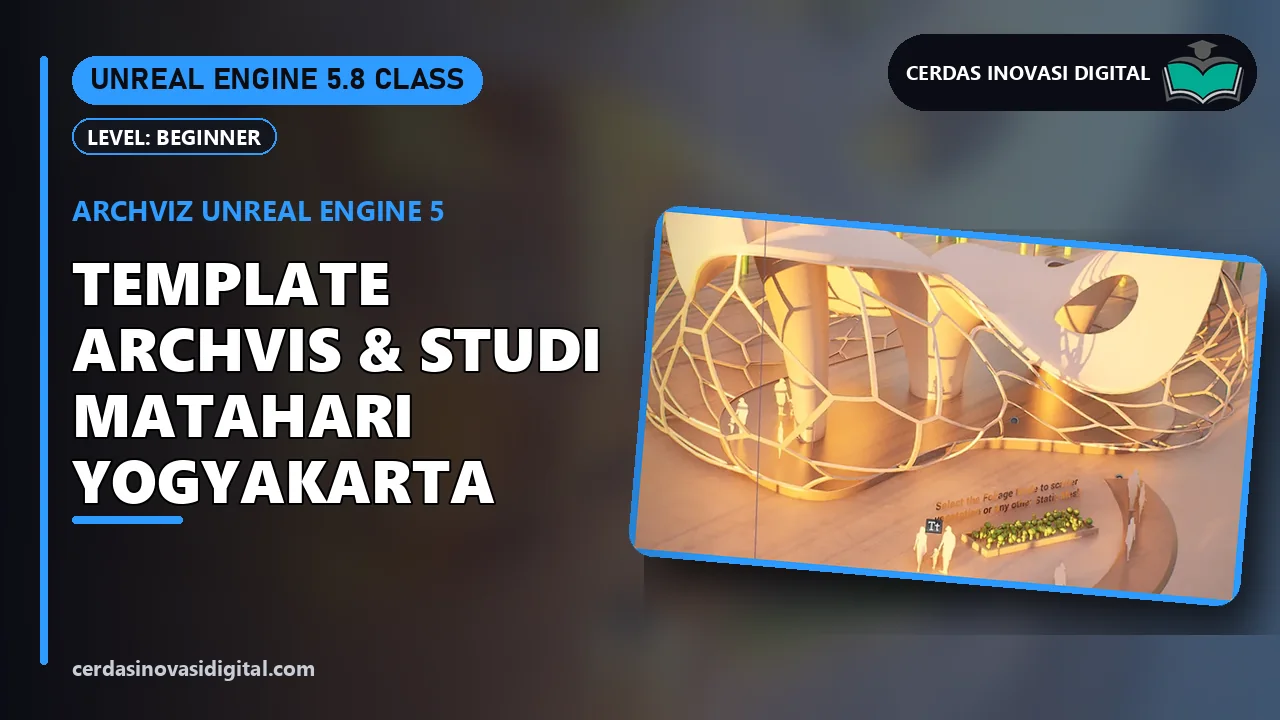
Unreal Engine 5 Archviz: The Archvis Template & a Yogyakarta Sun Study
Architectural visualization in Unreal Engine 5: the Archvis template, viewing through a CineCameraActor, SunSky set to Yogyakarta, and a morning, noon, and afternoon sun study with Solar Time, in 13 steps.
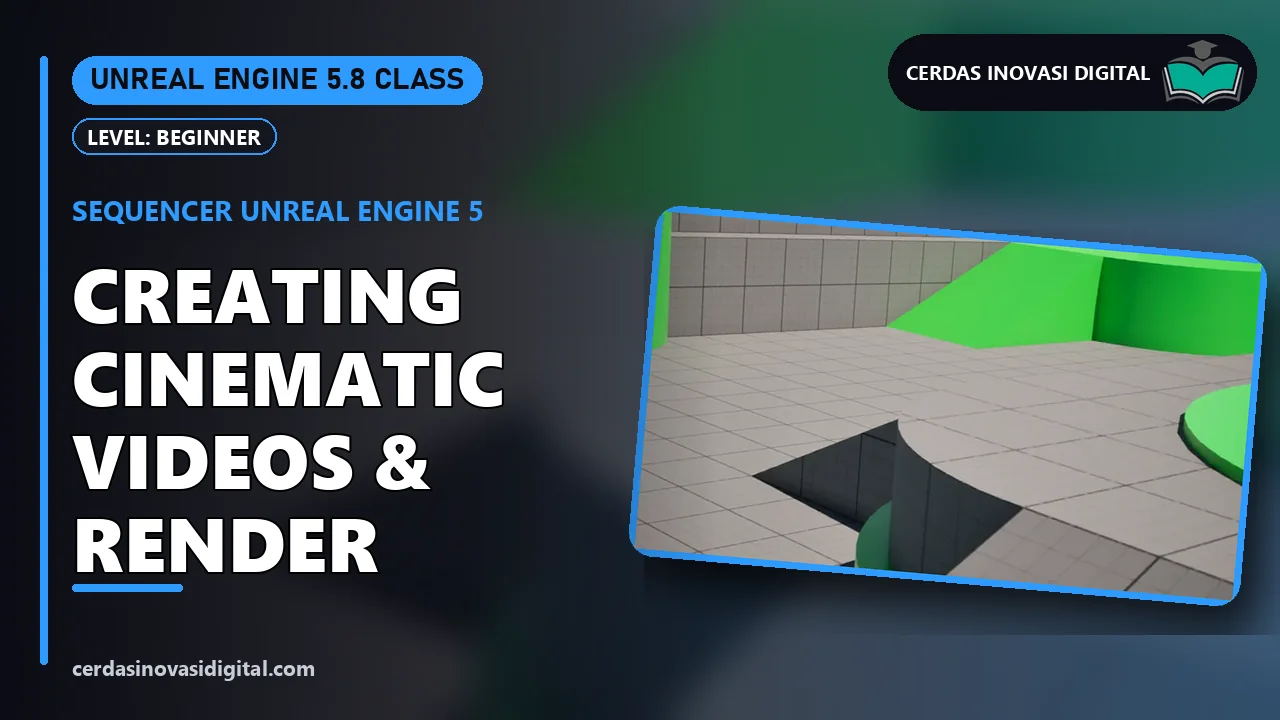
Unreal Engine 5 Sequencer: Making and Rendering a Cinematic Video
The Unreal Engine 5 Sequencer: a Level Sequence, a CineCameraActor with a Camera Cut, Location and Rotation keyframes for smooth camera moves, then Render Movie to a Full HD video, in 13 steps.
Unreal Engine 5 Animation: A Punch Attack with an Animation Montage
Animation Montages in Unreal Engine 5: creating a montage from a built-in attack animation, an F key event, and the Play Anim Montage node so the character punches, in 11 steps.
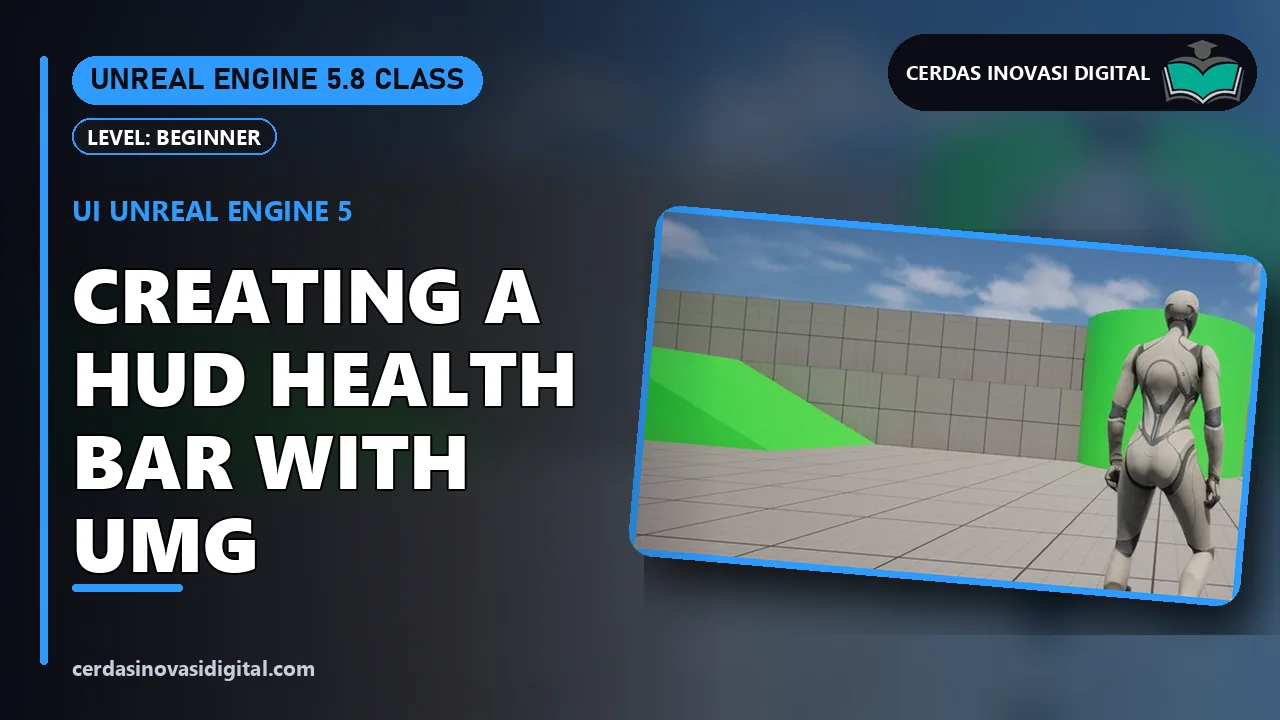
Unreal Engine 5 UI: Making a Health Bar HUD with UMG
Unreal Engine 5 UI with UMG: a Widget Blueprint, a Canvas Panel, a red Progress Bar as a health bar, health text, then Create Widget and Add to Viewport in the Level Blueprint, in 14 steps.
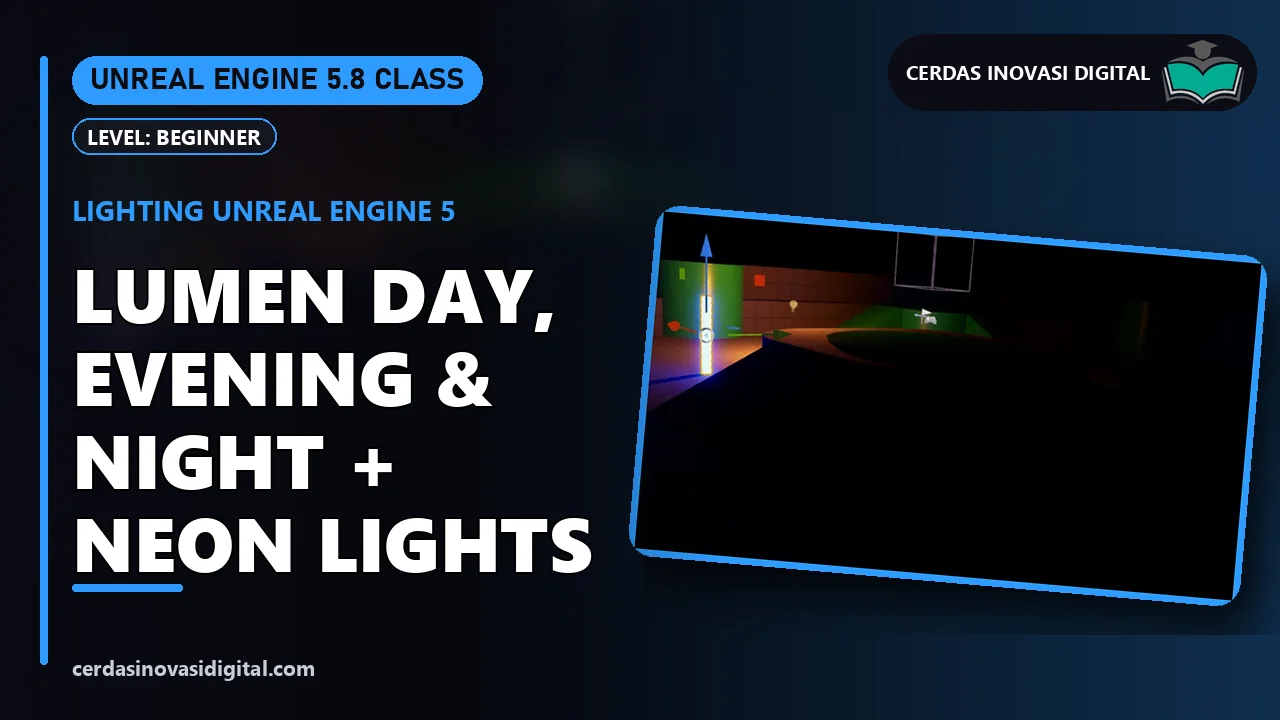
Unreal Engine 5 Lighting: Lumen Day, Dusk & Night + Neon Lights
Lumen lighting in Unreal Engine 5: rotating the sun with Ctrl+L, day, dusk, and night moods with a DirectionalLight, an orange Point Light, and an emissive neon material that lights its surroundings, in 15 steps.
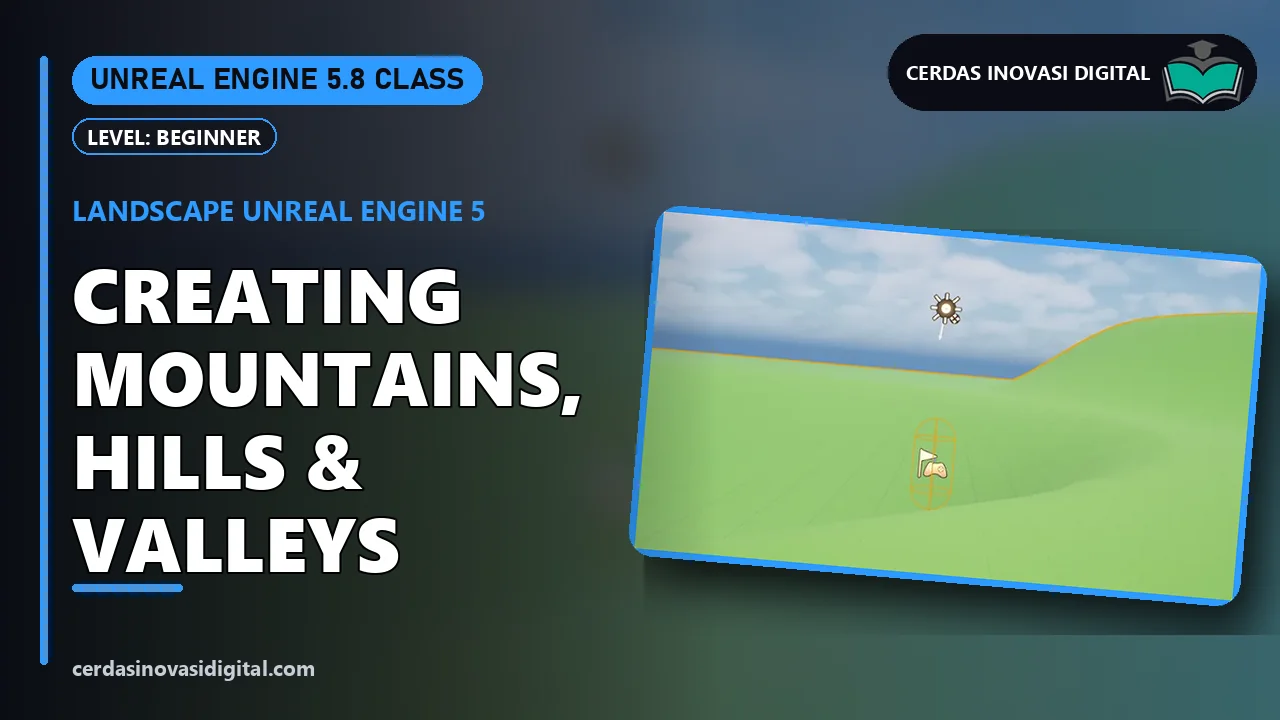
Unreal Engine 5 Landscape: Creating Mountains, Hills & Valleys
Unreal Engine 5 Landscape from scratch: creating 505 × 505 terrain, sculpting mountains and hills, Shift for valleys, the Smooth tool, a green ground material as the Landscape Material, and afternoon light, in 19 steps.
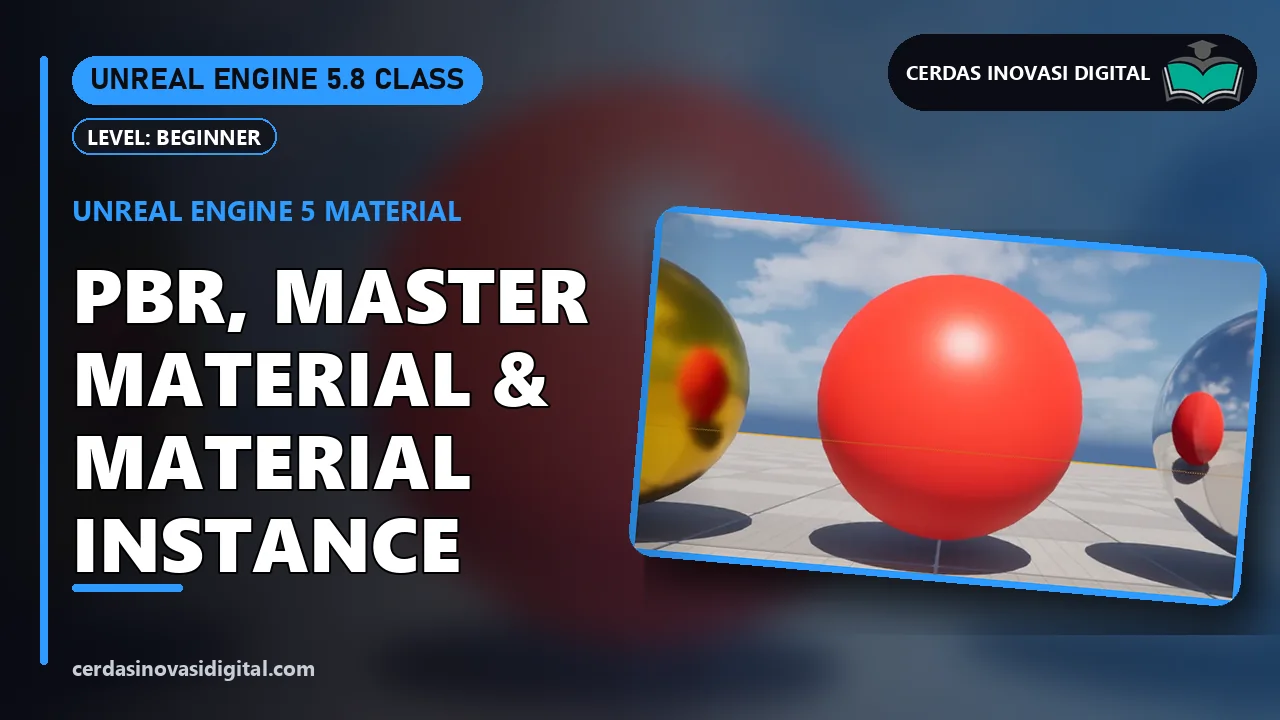
Unreal Engine 5 Materials: PBR, Master Materials & Material Instances
PBR materials in Unreal Engine 5: a Master Material with Color, Metal, and Roughness parameters, then three Material Instances (gold, red plastic, chrome) applied to test spheres, in 22 steps.
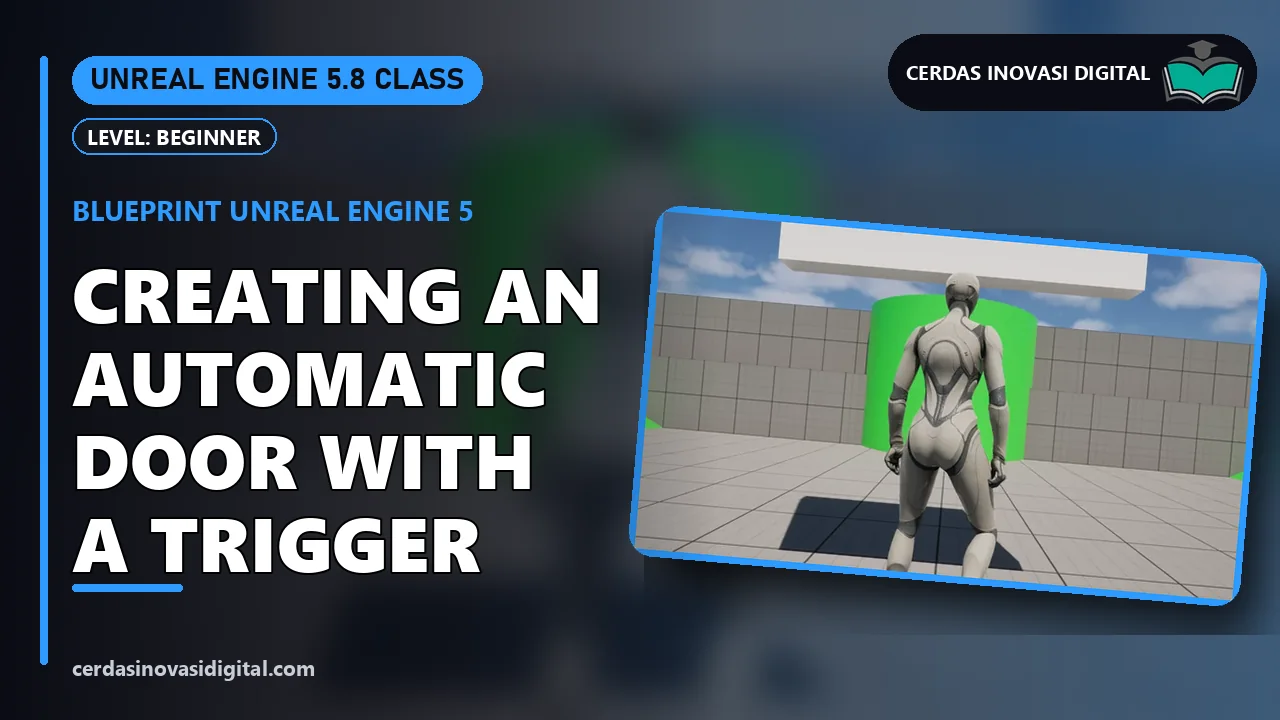
Unreal Engine 5 Blueprint: Making an Automatic Door with a Trigger
Unreal Engine 5 Blueprint basics: a Blueprint Actor with Cube and Box Collision components, On Component Begin/End Overlap events, and the Move Component To node so the door opens as the player approaches, in 19 steps.
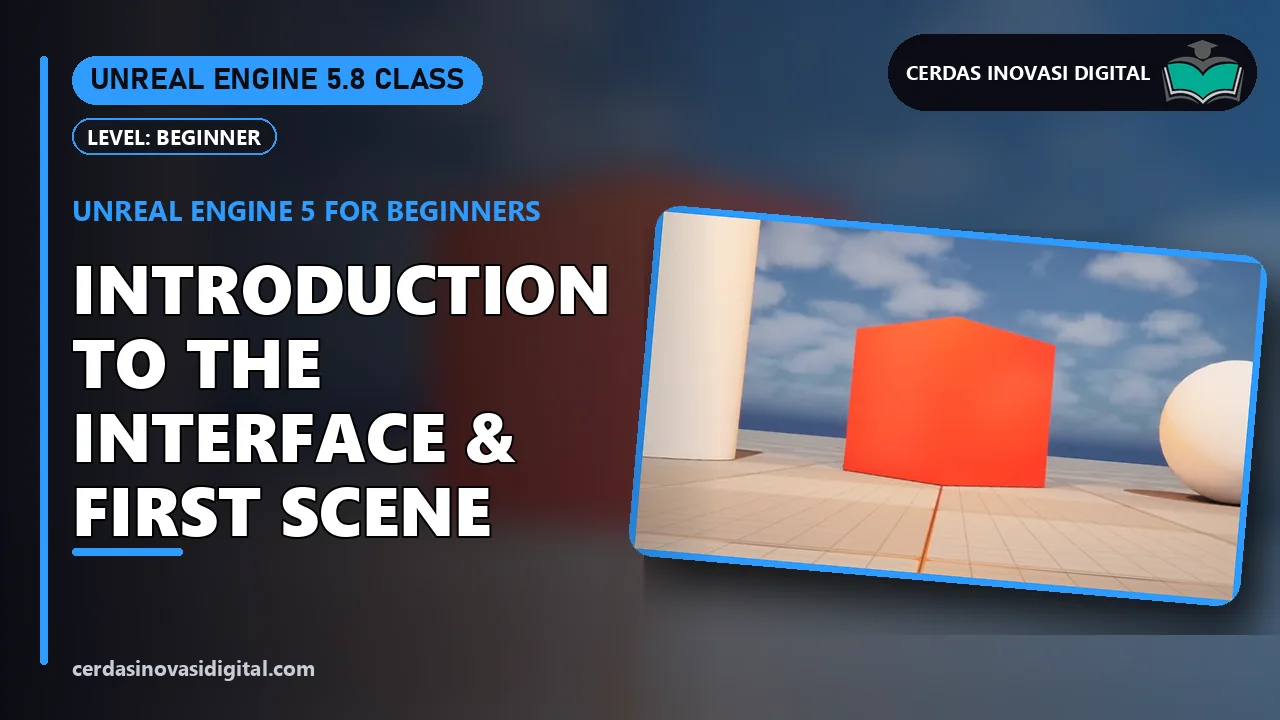
Unreal Engine 5 for Beginners: Getting to Know the Interface & Your First Scene
Learn Unreal Engine 5 from zero: creating a Blank project, getting to know the Toolbar, Viewport, Outliner, Details, and Content Browser, viewport navigation, adding a Cube, Sphere, and Cylinder, making a red material, placing a Point Light, then Play, in 21 steps.
Unreal Engine · Beginner–Intermediate
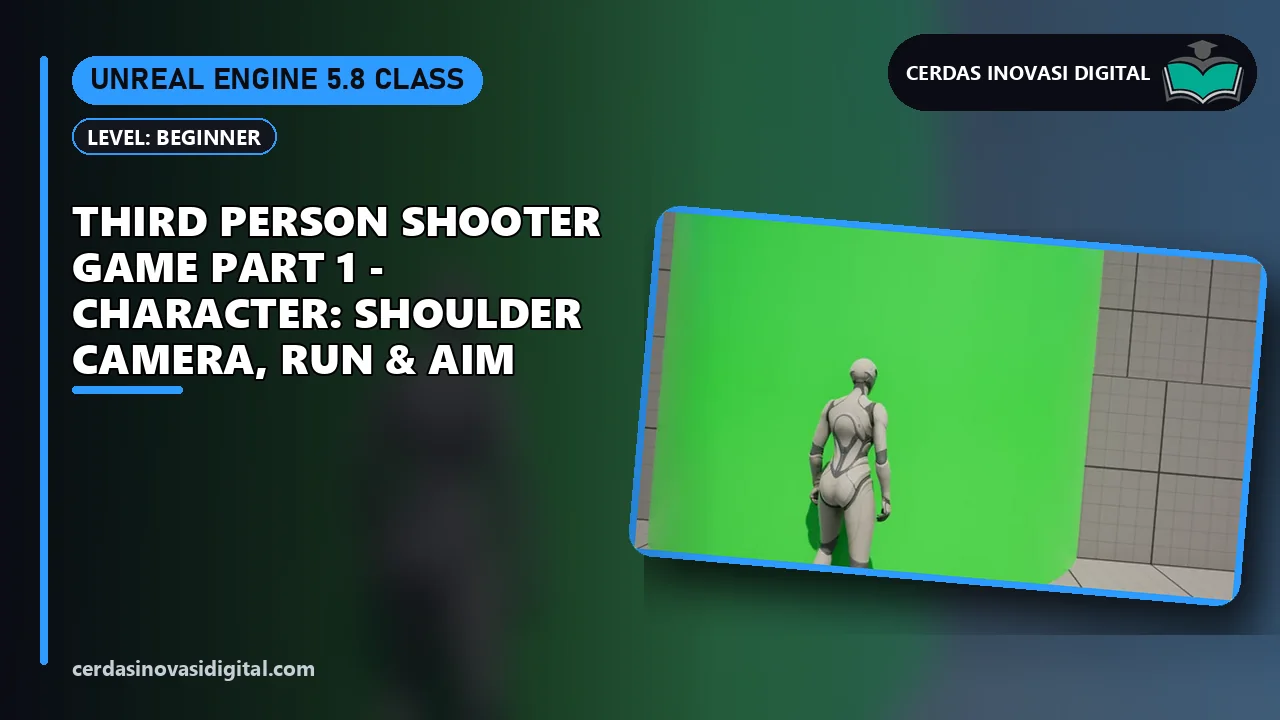
Unreal Engine 5: Third Person Shooter Game
5 video lessons with PDF guides, 46 min in total. Starts with: Unreal Engine 5 Tutorial: Third Person Shooter Game Part 1 - Character: Shoulder Camera, Run & Aim.
Revit · Beginner
Revit: 2-Story House
3 video lessons with PDF guides, 14 min in total. Starts with: Revit Tutorial: 2-Story House Part 1 - Level, Grid & Wall.
Unreal Engine 5 · Beginner
Unreal Engine: Changing the Player's Color to Gold
Change the Third Person player character (Quinn) in Unreal Engine 5 to a shiny gold without coding: a Material Instance, Paint Tint with hex code FFC21A, Metallic 0.9, and Roughness 0.3, in 10 steps.
MatrixGold 3.1 · Beginner
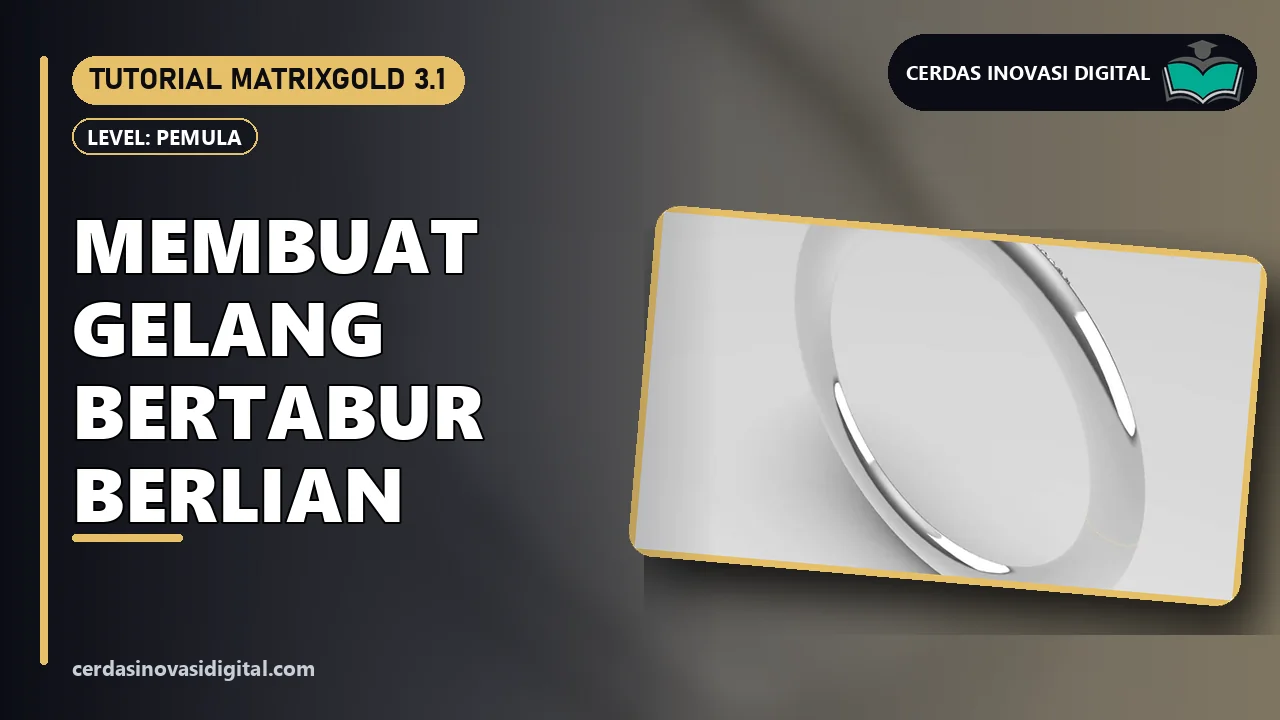
MatrixGold: Making a Diamond-Studded Bracelet
Make a Ø 62 mm half-round bracelet with 25 diamonds in MatrixGold: Circle, Profile Placer from the Content Manager, Activate Auto Sweep, and Gem On Curve, in 16 steps.
Krita · Intermediate
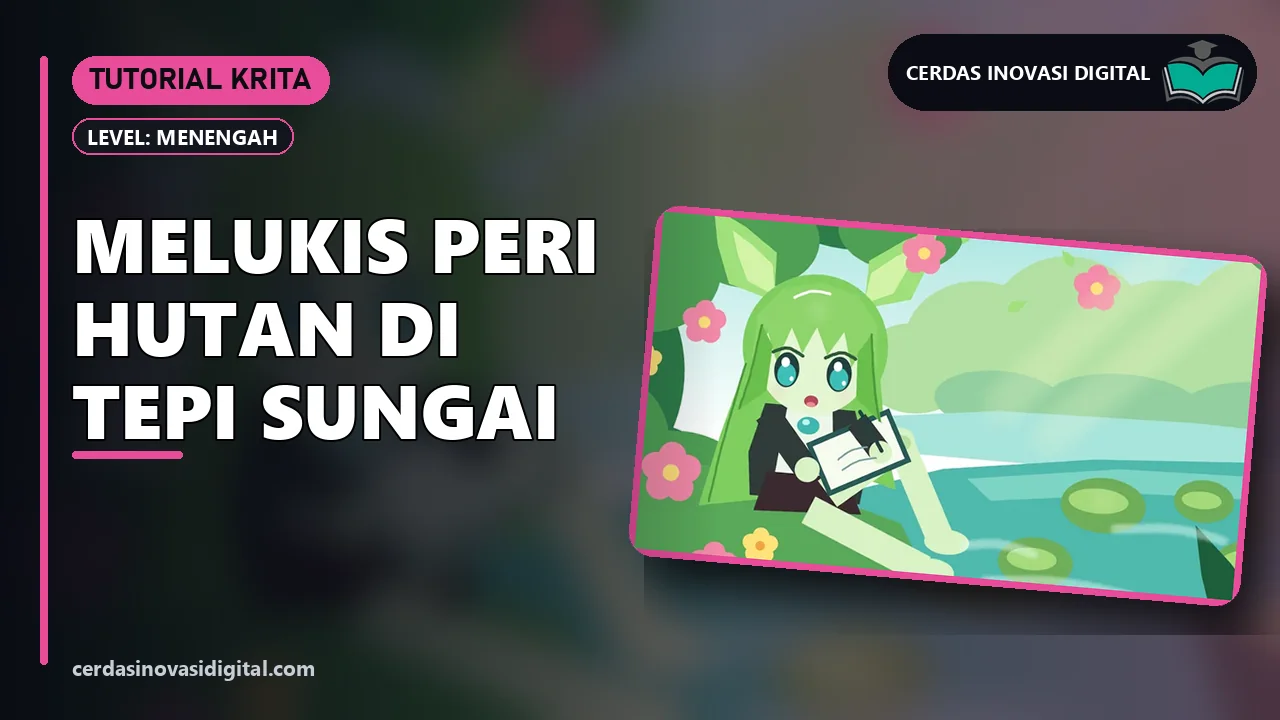
Krita: Painting a Forest Fairy by the River
Paint a forest fairy sketching by the river with Krita (free), layer by layer: a gradient sky, forest, river, an anime character, flowers, and Airbrush light, in 18 steps with color codes.
Krita · Beginner
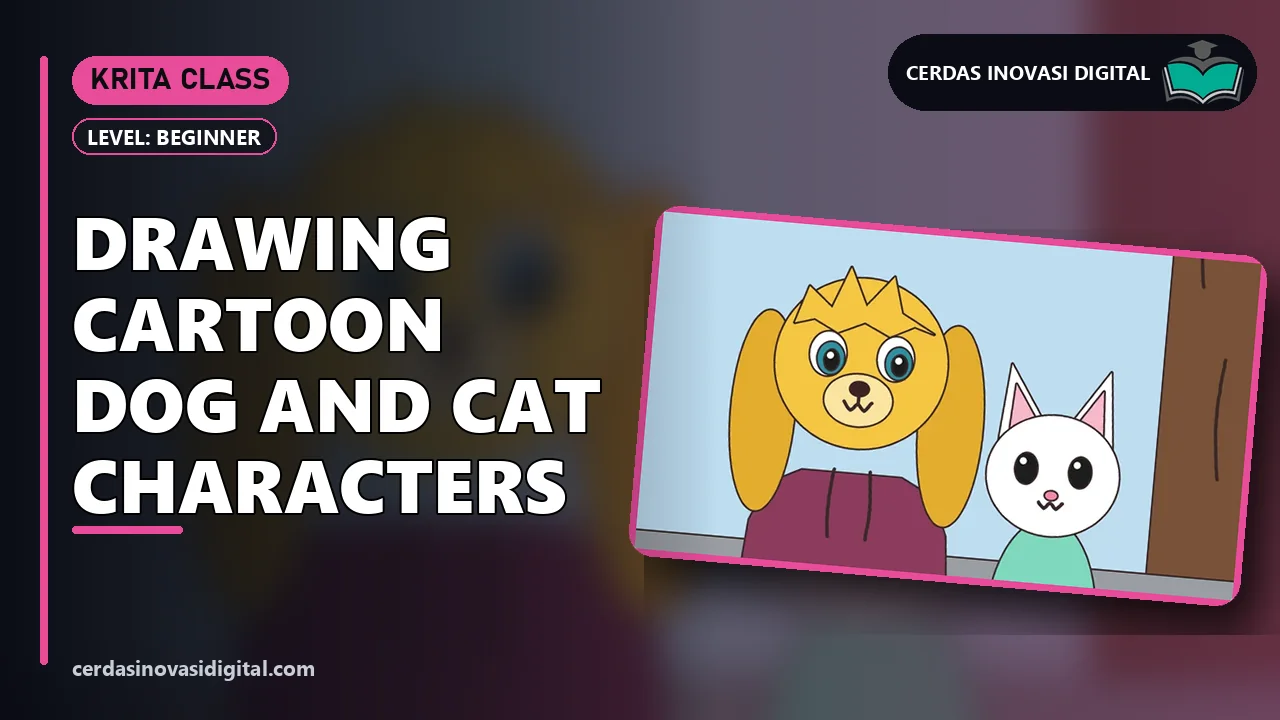
Krita: Drawing a Cartoon Dog & Cat
Draw two cartoon characters, a dog in a hoodie and a cat, in Krita using only the mouse: Fill Tool, Rectangle, Ellipse, Polygon, and the Basic-1 brush, in 17 steps with color codes.
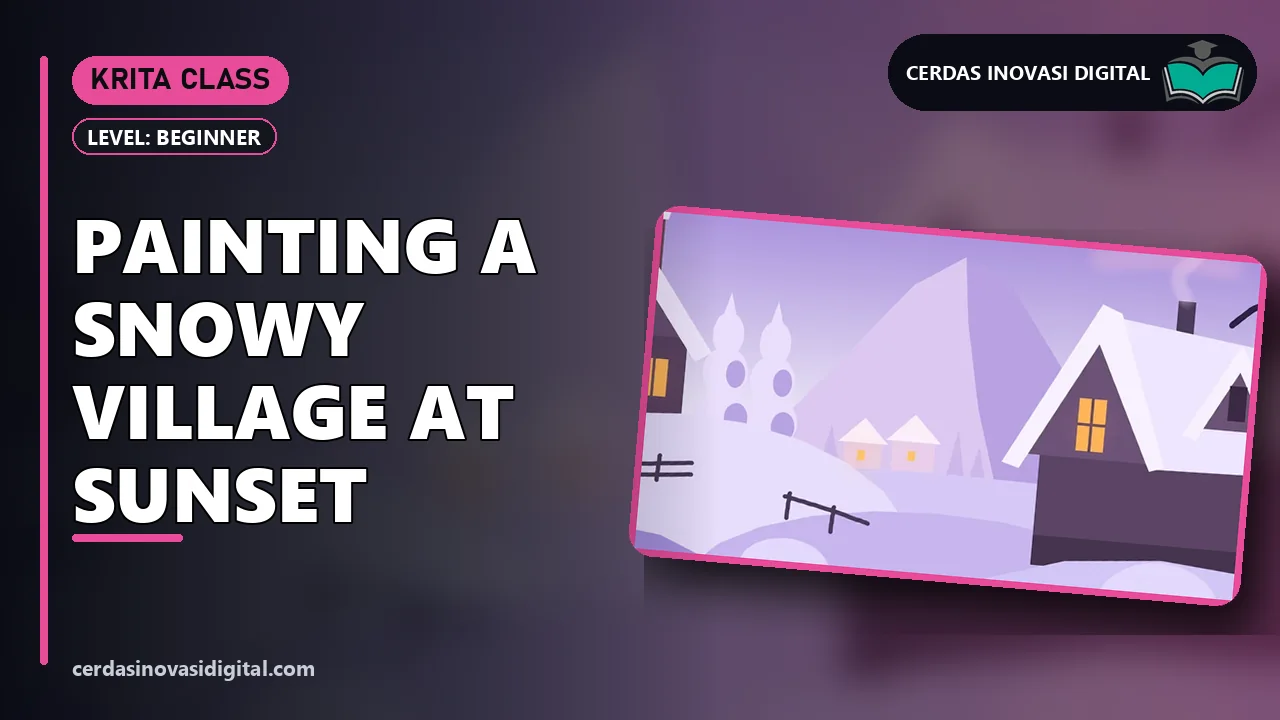
Krita: Painting a Snowy Village at Dusk
Paint a snowy village scene at dusk with Krita (free): a purple gradient sky, mountains, wooden houses with warm windows, layered snowy hills, and chimney smoke with Airbrush, in 16 steps with color codes.
MatrixGold 3.1 · Intermediate
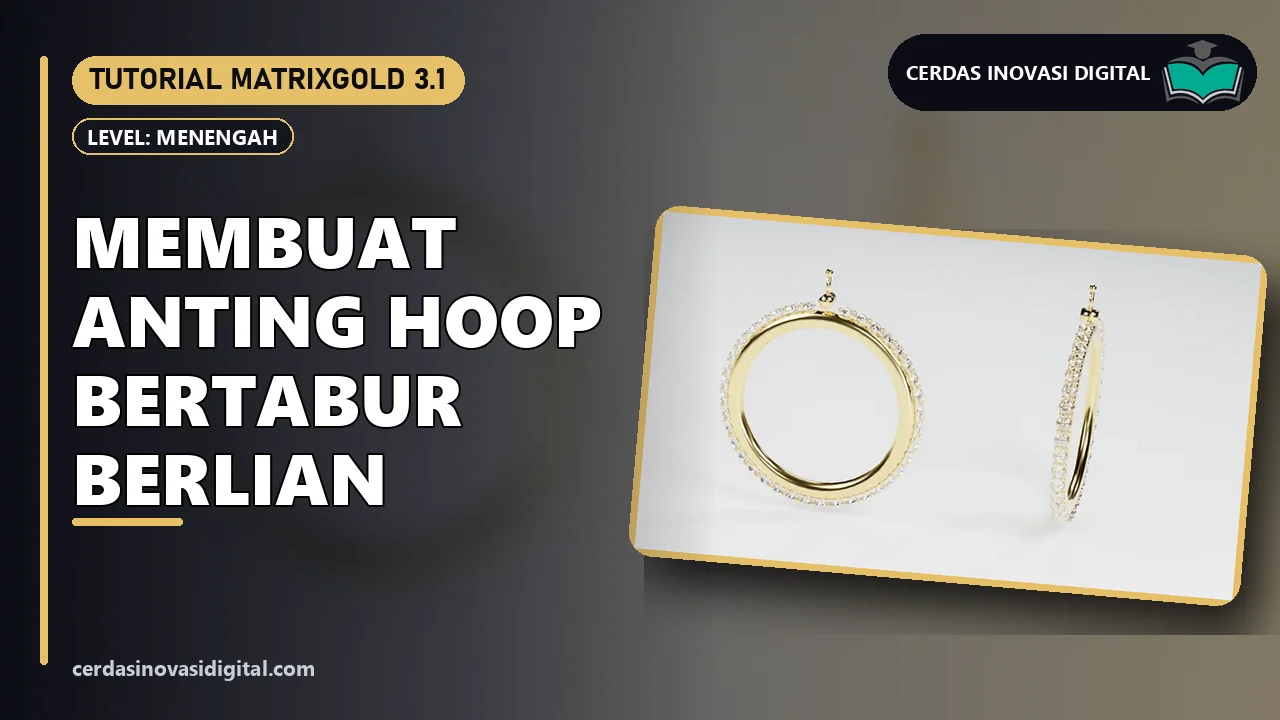
MatrixGold: Making Diamond-Studded Hoop Earrings
Make Ø 40 mm hoop earrings set with 40 diamonds in MatrixGold: Profile Placer + Auto Sweep, Gem On Curve, the Gem Cutter Library and BooleanDifference, gvPaveProngs, and the clasp, in 27 steps.
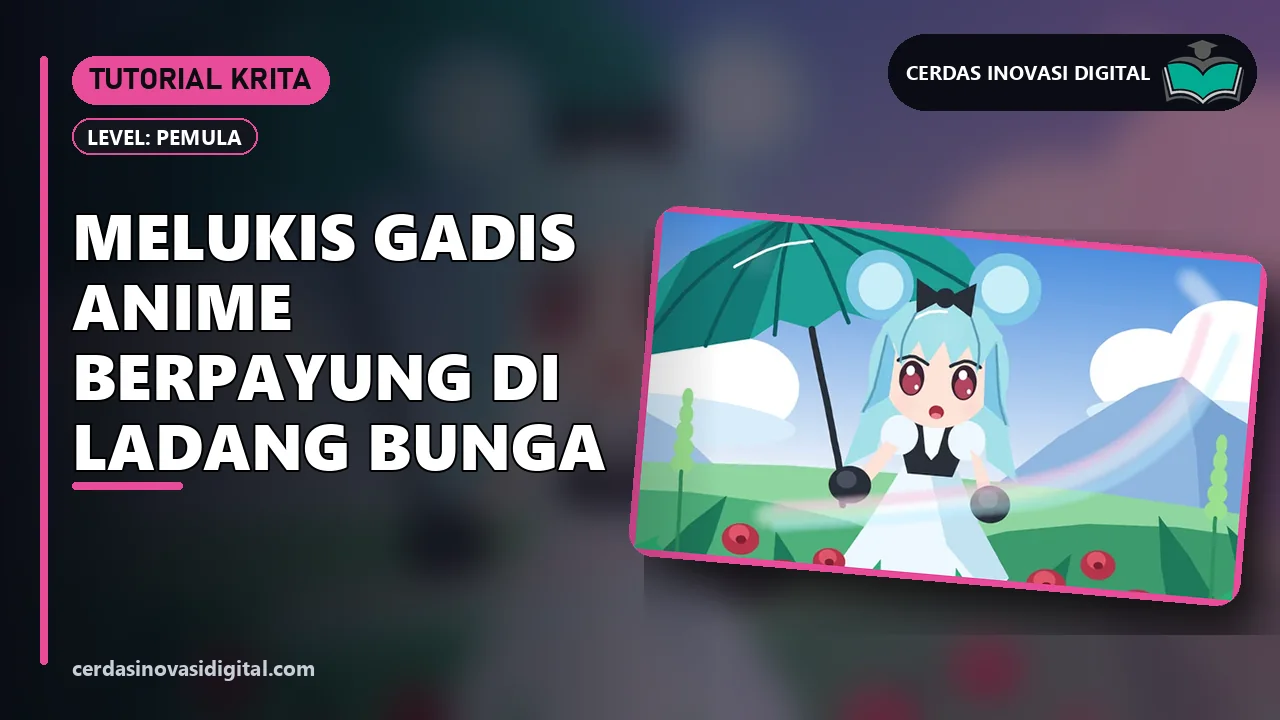
Krita: Painting an Anime Girl with an Umbrella in a Flower Field
Paint an illustration of an anime girl with an umbrella in a flower field with Krita (free), layer by layer: a sky gradient, Polygon & Ellipse without outlines, the Basic-1 brush and Airbrush, in 19 steps with color codes.
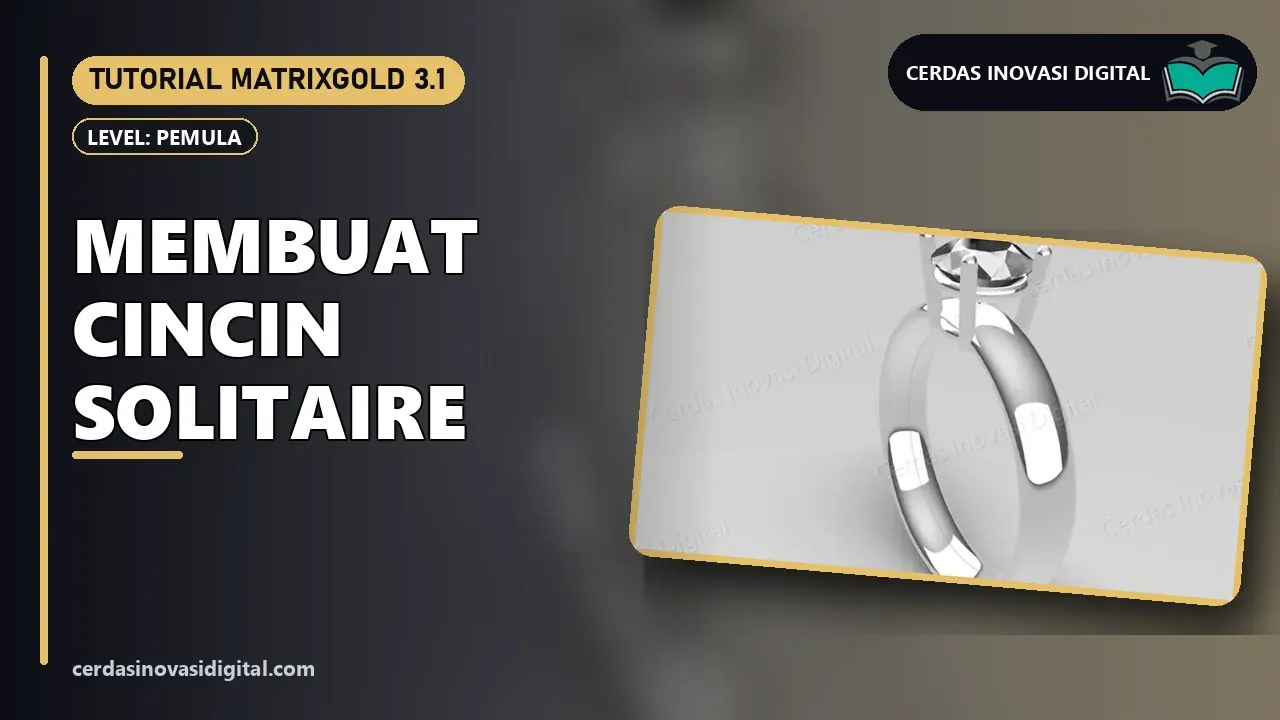
MatrixGold: Making a Solitaire Ring
Make a solitaire ring with a 6.4 mm round diamond in a 4-prong head in MatrixGold, using Ring Rail, Profile Placer, Sweep1, Gem on Ring Rail, and Head, in 16 practical steps.